Update WebChat Dialogue Provider 2.0
Note
An Enterprise license or higher is required to access these features.
Note
An Dialogue Cloud WebAgent for Omnichannel license is required.
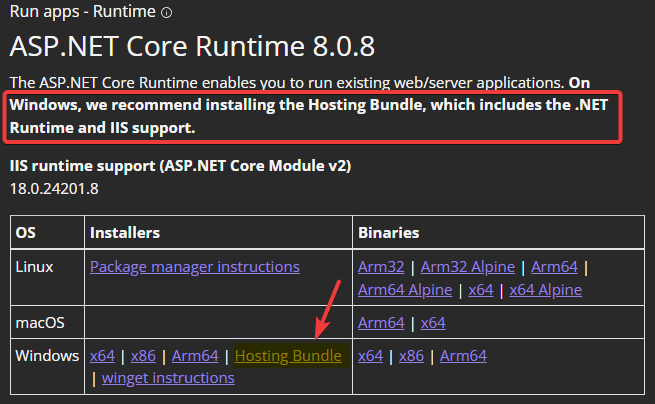
A bundle is a fixed combination of our software platform elements of very specific versions. These are designed and tested to optimally work together to assure their intended function and interoperability. 2024.02 and later: Microsoft ASP.NET Core 8.0.0 (or a later 8.0 series) Hosting Bundle installed (may already be installed).
Installation
Deploy package
-
Unzip the WebChat Dialogue Provider package
-
Edit the properties.ps1
-
Domain = Domain of the install account
-
UserName = Username of the install account
-
-
Run install.ps1 in PowerShell as administrator
Validate
After updating the WebChat Dialogue Provider needs to wait for a settings update from the Core. This can be done by waiting for the "PollingIntervalMinutes" or forced by a A Unified Contact Center, or UCC, is a queue of interactions (voice, email, IM, etc.) that are handled by Agents. Each UCC has its own settings, IVR menus and Agents. Agents can belong to one or several UCCs and can have multiple skills (competencies). A UCC can be visualized as a contact center “micro service”. Customers can utilize one UCC (e.g. a global helpdesk), a few UCC’s (e.g. for each department or regional office) or hundreds of UCC’s (e.g. for each bed at a hospital). They are interconnected and can all be managed from one central location. restart.
2019-04-18 16:13:32.7046 DEBUG SettingsManager - Added settings for UCC ucc__webchat
2019-04-18 16:13:32.7075 TRACE ProviderManager - TryAddUcc ucc__webchat